
The first evening.
Watch your statement import and sort itself.
Drop in the statement you've been putting off. Every row comes back with a category, ready for you to approve, and your bank never knows.
No bank login, now or ever.
Join the waitlist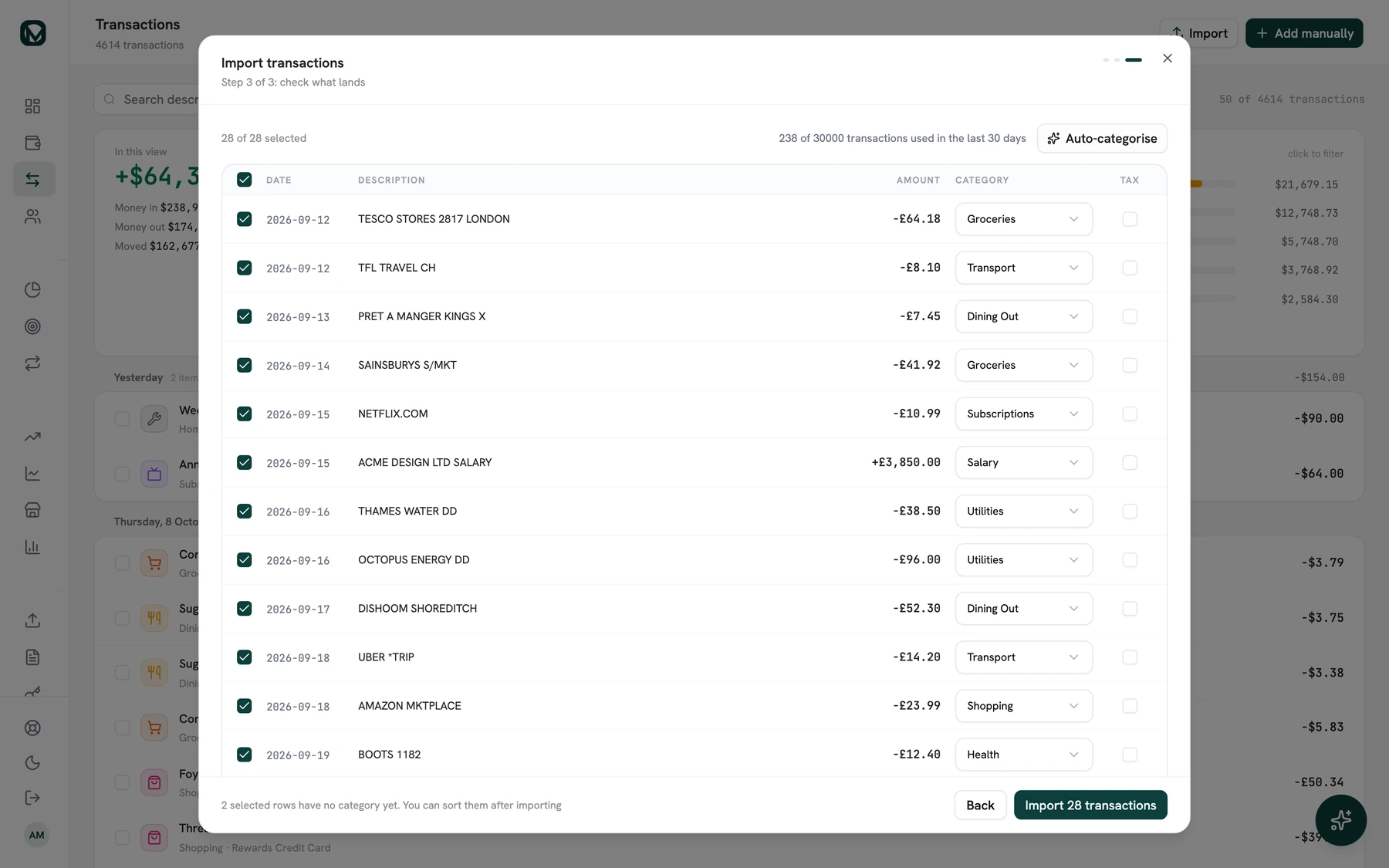
Which screen do you do it on?
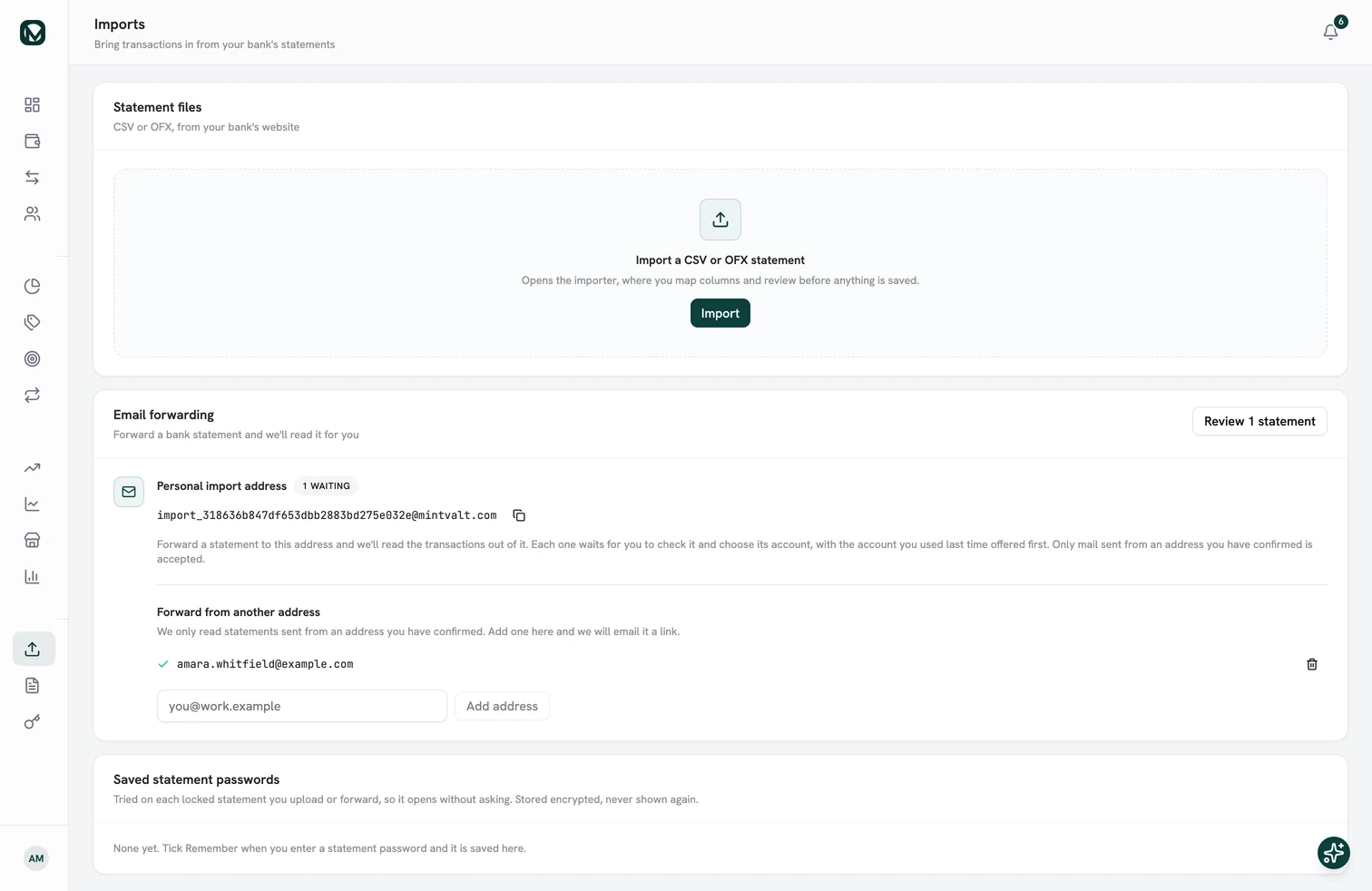
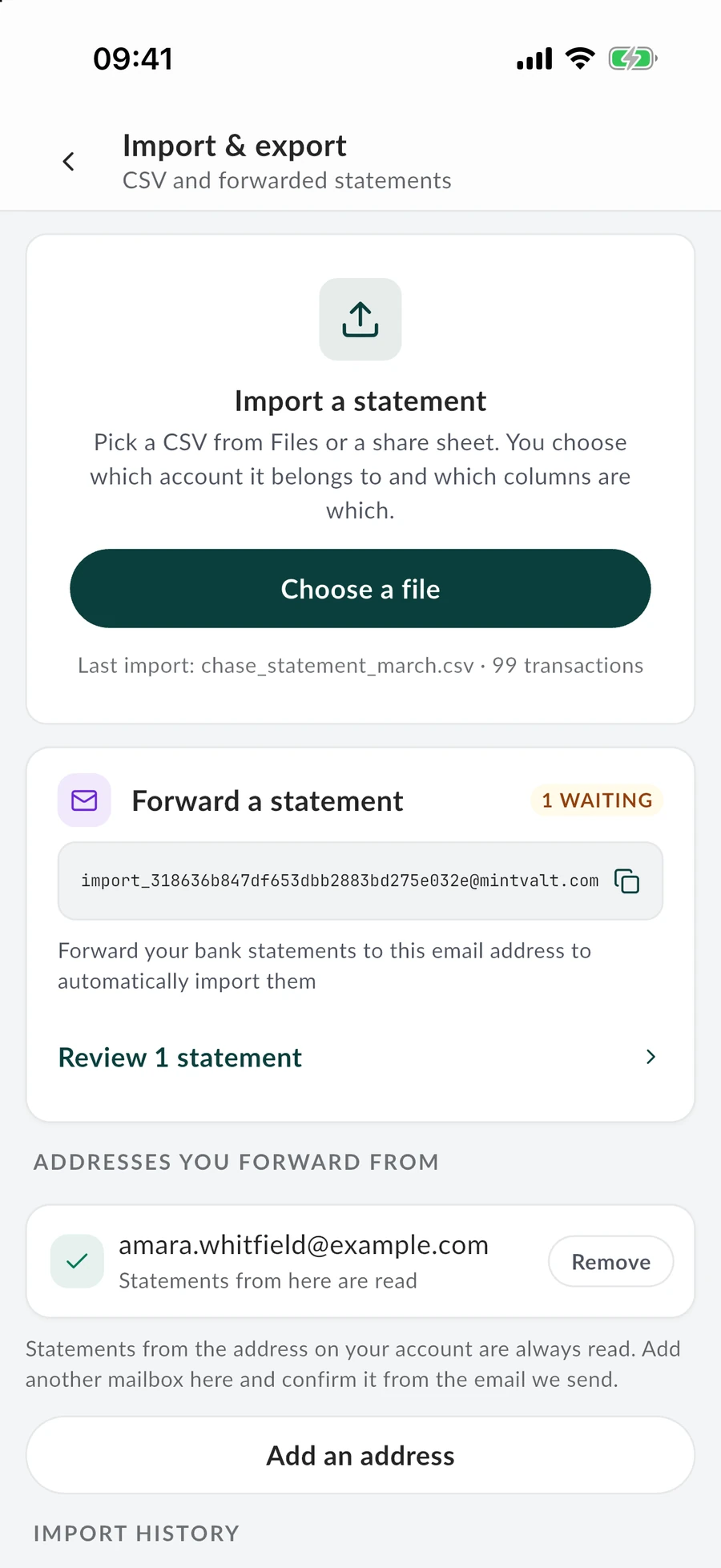
Either one. A year of files is easier on the laptop, with a coffee. A single statement imports just as well from the phone.

Before you upload anything.
What people ask first, answered straight.
- Do I need to give MintValt my bank login?
- No. MintValt never connects to your bank. You upload the statement your bank already gives you, so there is no password to share and nothing to reconnect.
- Which banks and formats work?
- Any bank that gives you a PDF or CSV statement, in any country. Password-protected PDFs work too: you are asked for the password, and if you tick Remember, the next statement from that bank opens by itself.
- Is my statement stored?
- No. The file is read in memory and never saved, and what the AI read from it is not kept either. Only the transactions you confirm are saved to your account.
- How many statements can I import?
- Imports are counted in pages: 400 every 30 days, and 100 during the free trial. A CSV costs nothing unless its layout has to be read by the AI, which counts as one page.
All you need to start is one statement.
Upload it, and every row comes back sorted while you sit there. Get in line now, and start the day your invite arrives.