
Your second statement.
Your categories stay right, with no rules to set up.
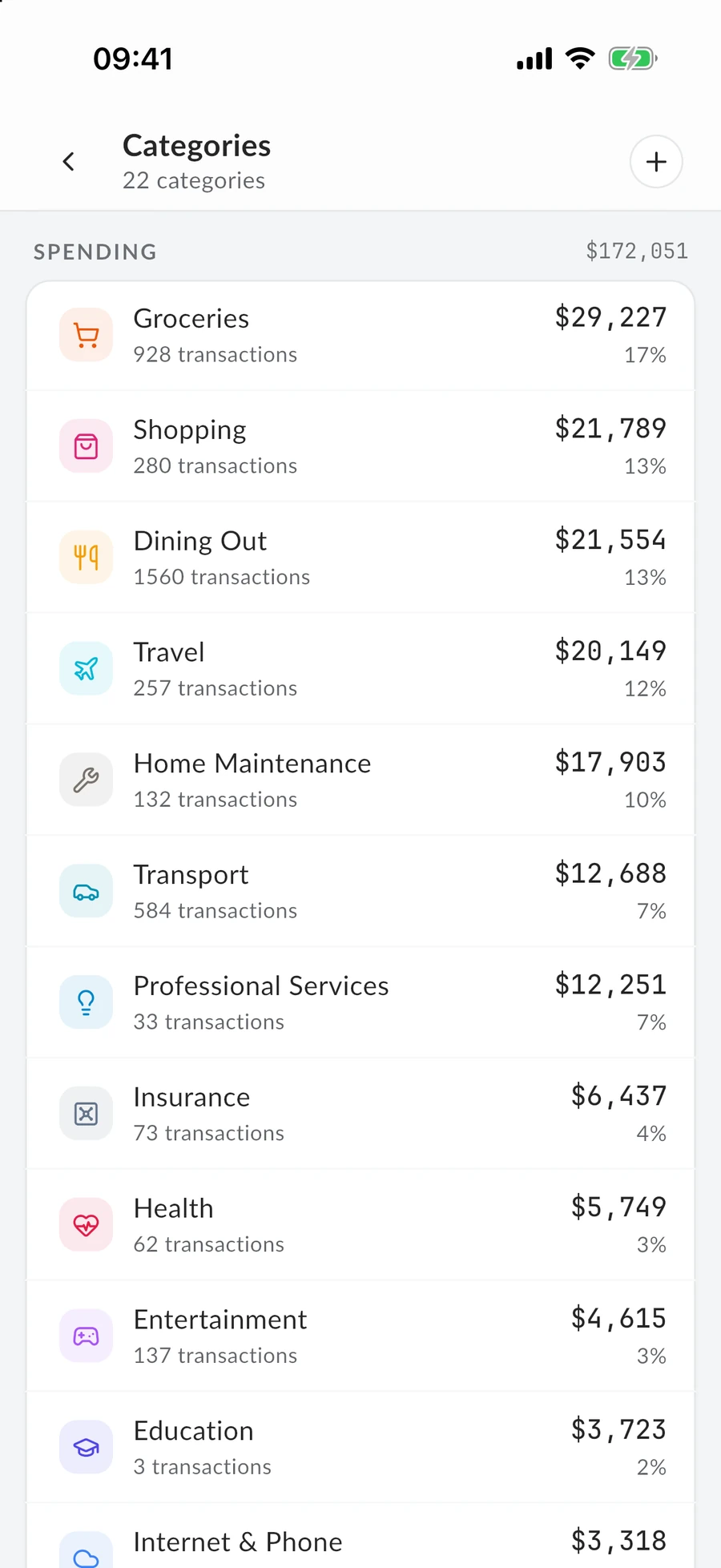
Groceries alone has come to 928 transactions and $29,226.69. Fix a shop's category once and it stays fixed, so your second statement mostly sorts itself.
There is nothing to keep an eye on. It just remembers.
Join the waitlist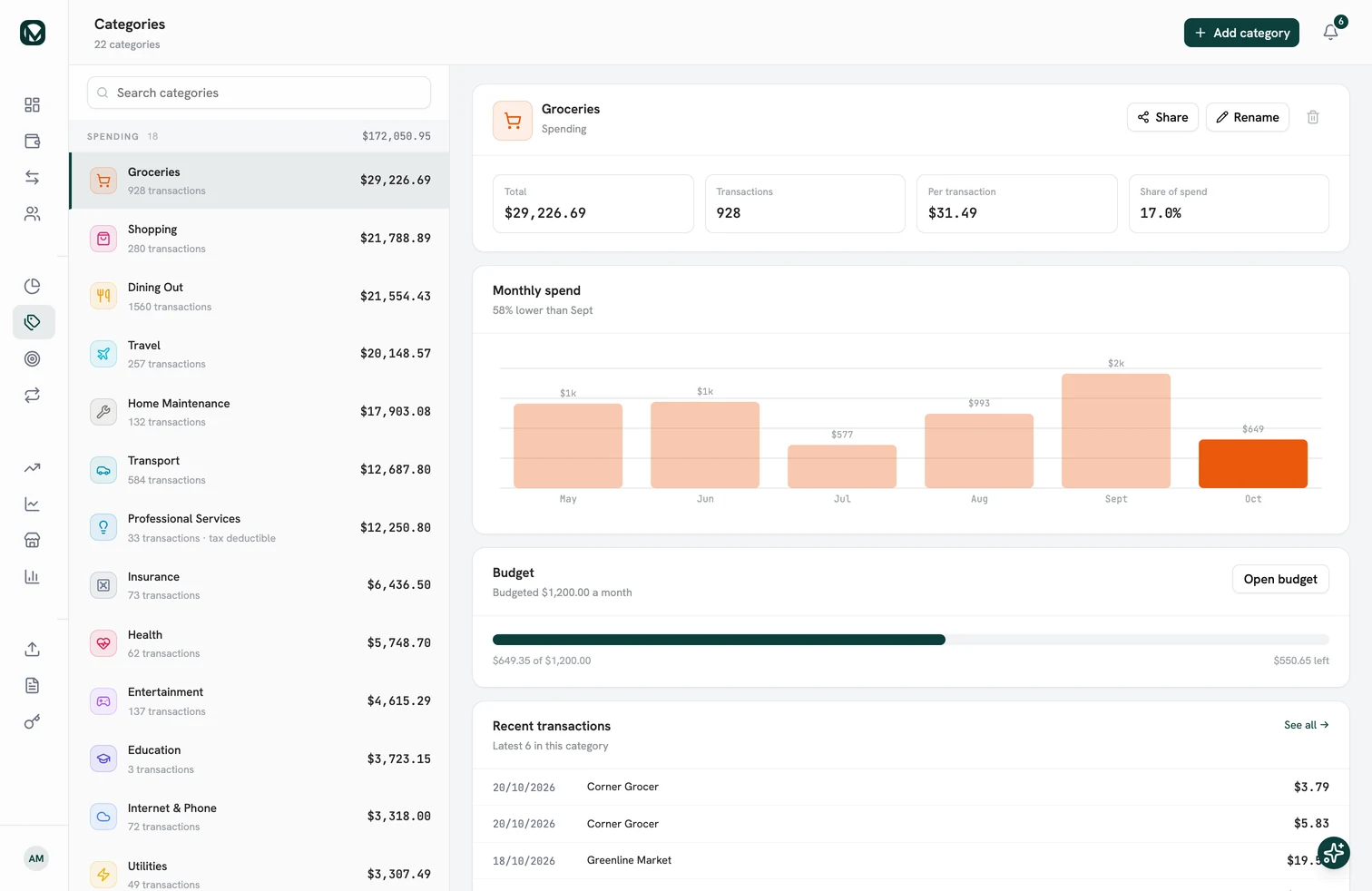
Where do you tidy them?
Fixing a shop takes a tap on the phone. Seeing what a whole category costs you is better on the big screen.

What people ask in the first week.
Mostly about who has the final say.
- Do I have to write rules?
- No. When you file a shop into a category yourself, MintValt remembers it. Only your own choices are remembered, never the AI's guesses.
- Can I use my own categories?
- Yes. You start with seven ready-made ones and can add, rename or delete any of them. You can even create one from the category picker without leaving the transaction.
- Will it overwrite a category I picked?
- Never. A category you choose yourself is kept, even if the automatic one arrives later.
- Is there a limit on automatic categorising?
- Only on the AI part: 5,000 every 30 days, and 2,000 during the free trial, counted per question to the AI. A shop it already knows costs nothing.
By your second statement, it knows your shops.
Fix a shop once, and every statement after that arrives sorted. Get in line now, and start the day your invite arrives.